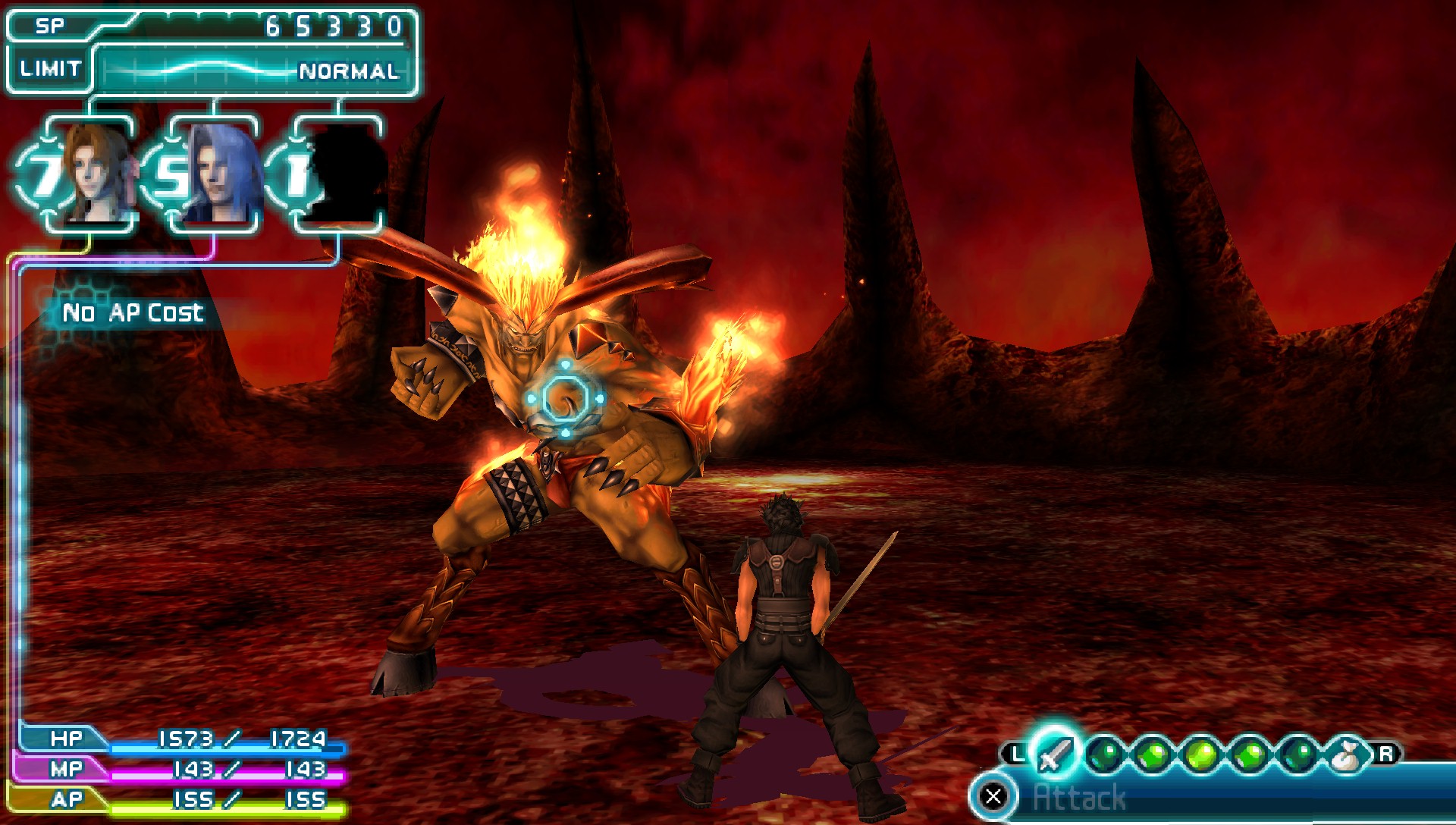
Render above 480×272
Internal resolution at 2×, 4×, or higher. Texture scaling and post-process shaders are optional, and expensive on weak GPUs.
Stable 1.20.4
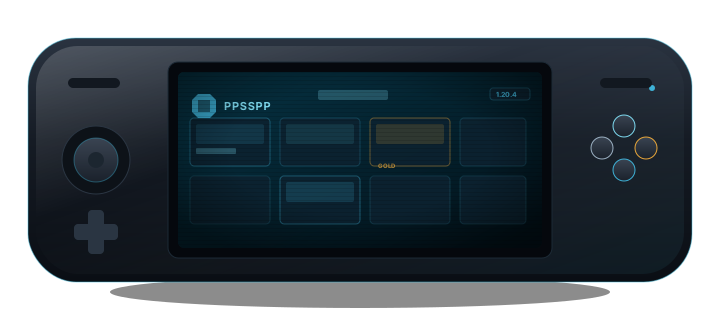
Open-source PSP emulator with HD rendering, save states, and no BIOS.
Free on Windows, Android, iOS, Linux, and macOS. Game files are not bundled.
Quick start
Most first-launch problems come from folder permissions or a graphics backend that your device rejects. Follow this order before changing ten settings at once.
Pick your platform on the download page. On Android 11+, create a PSP folder when asked and tap Use this folder. Skipping this step is the top reason games vanish from the list later.
Put disc images you own in one folder. Do not extract ISOs. CSO saves space but max compression can stutter in heavy 3D titles. A recurring complaint in community threads.
Try Vulkan first. Black screen or instant crash? Switch to OpenGL on Android or Direct3D 11 on Windows. Change only that one setting, then relaunch.
Use the title’s own save menu for progress you care about. Save states are for retries; they can break after a PPSSPP update or when Fast Memory causes crashes on save (common on some Android builds).
Features
Defaults are usually enough for the first launch. Tune later from the settings presets.
Internal resolution at 2×, 4×, or higher. Texture scaling and post-process shaders are optional, and expensive on weak GPUs.
Instant states for retries. Keep in-game saves for progress; states can break after a PPSSPP update.
PPSSPP reimplements PSP system software. You still need ISO, CSO, or CHD files of games you own.
On-screen controls are movable. Map any gamepad under Settings → Controls.
Local ad-hoc with matching versions. Infrastructure multiplayer for revived servers.
Created by Henrik Rydgård, maintained in the open. Gold is optional support, not a feature unlock.
In action
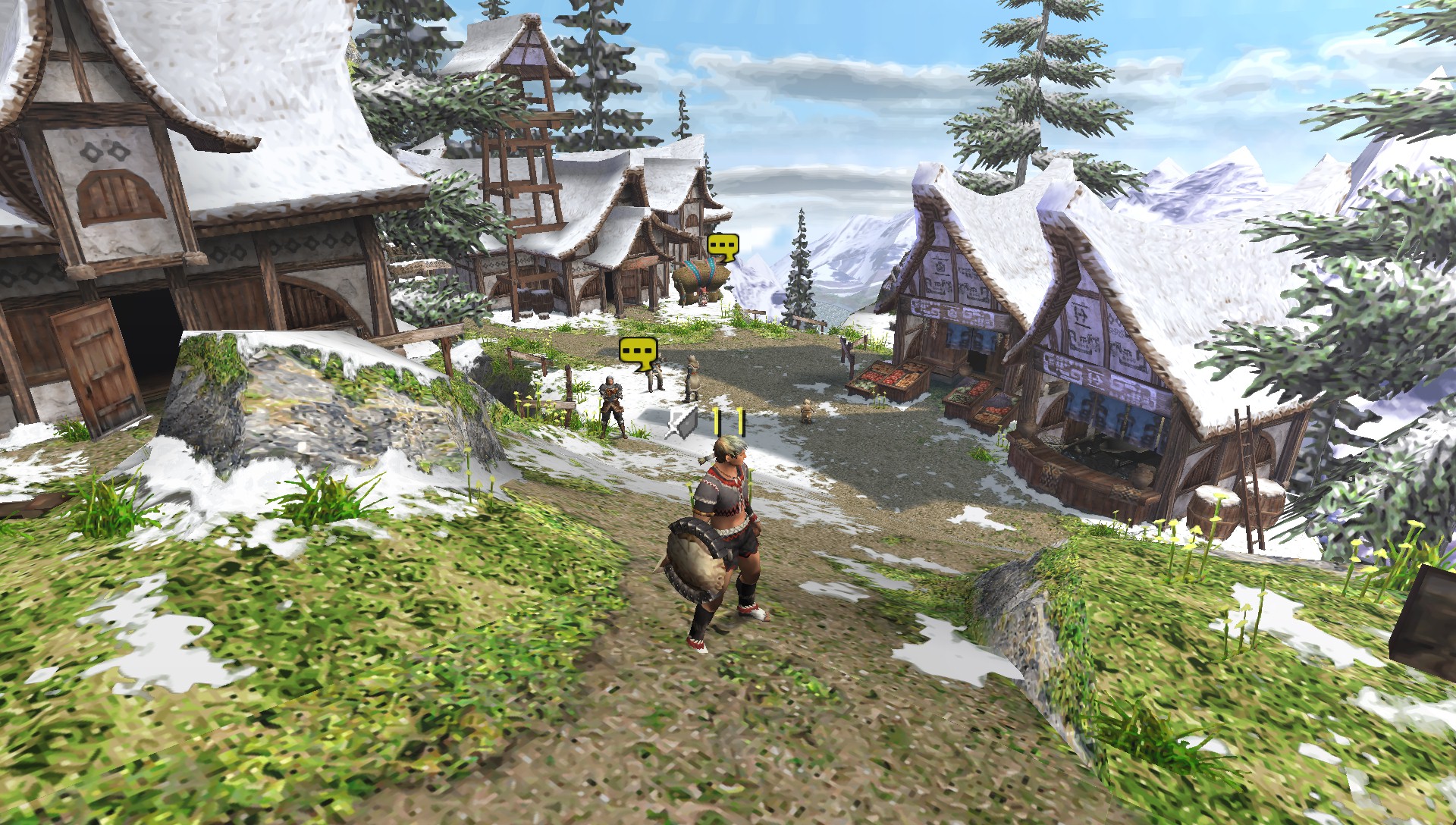
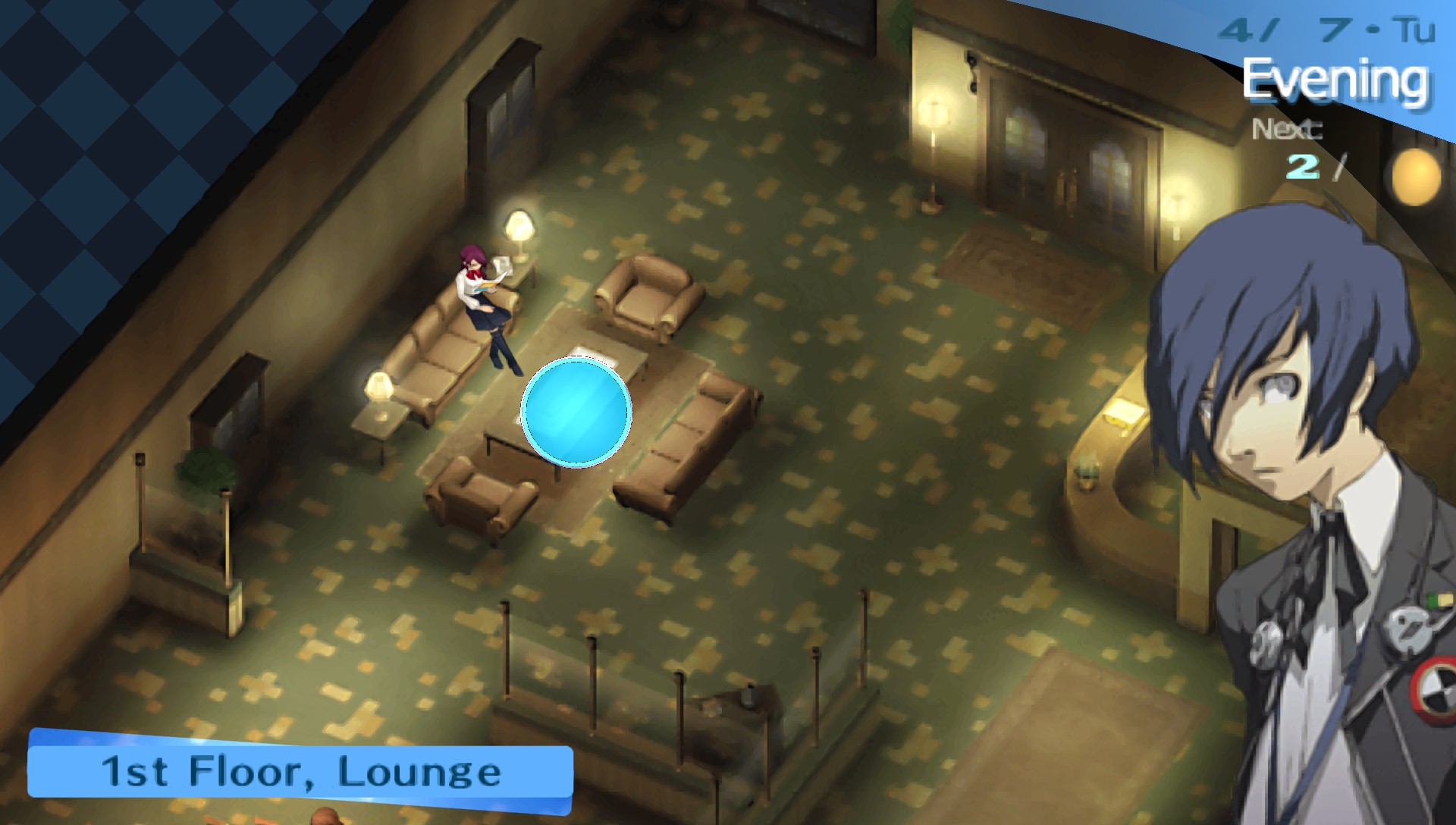
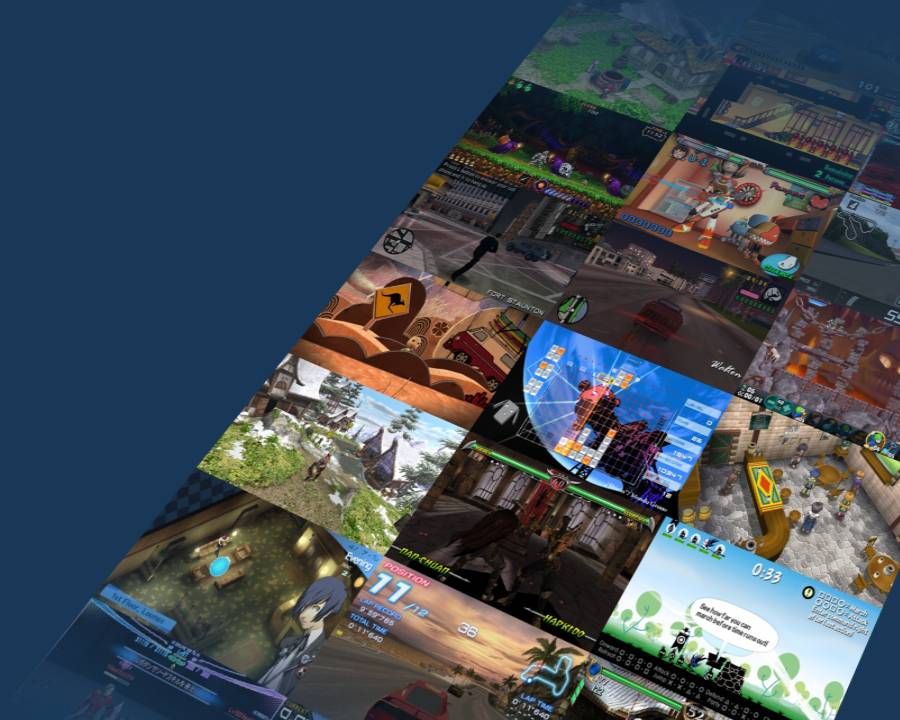
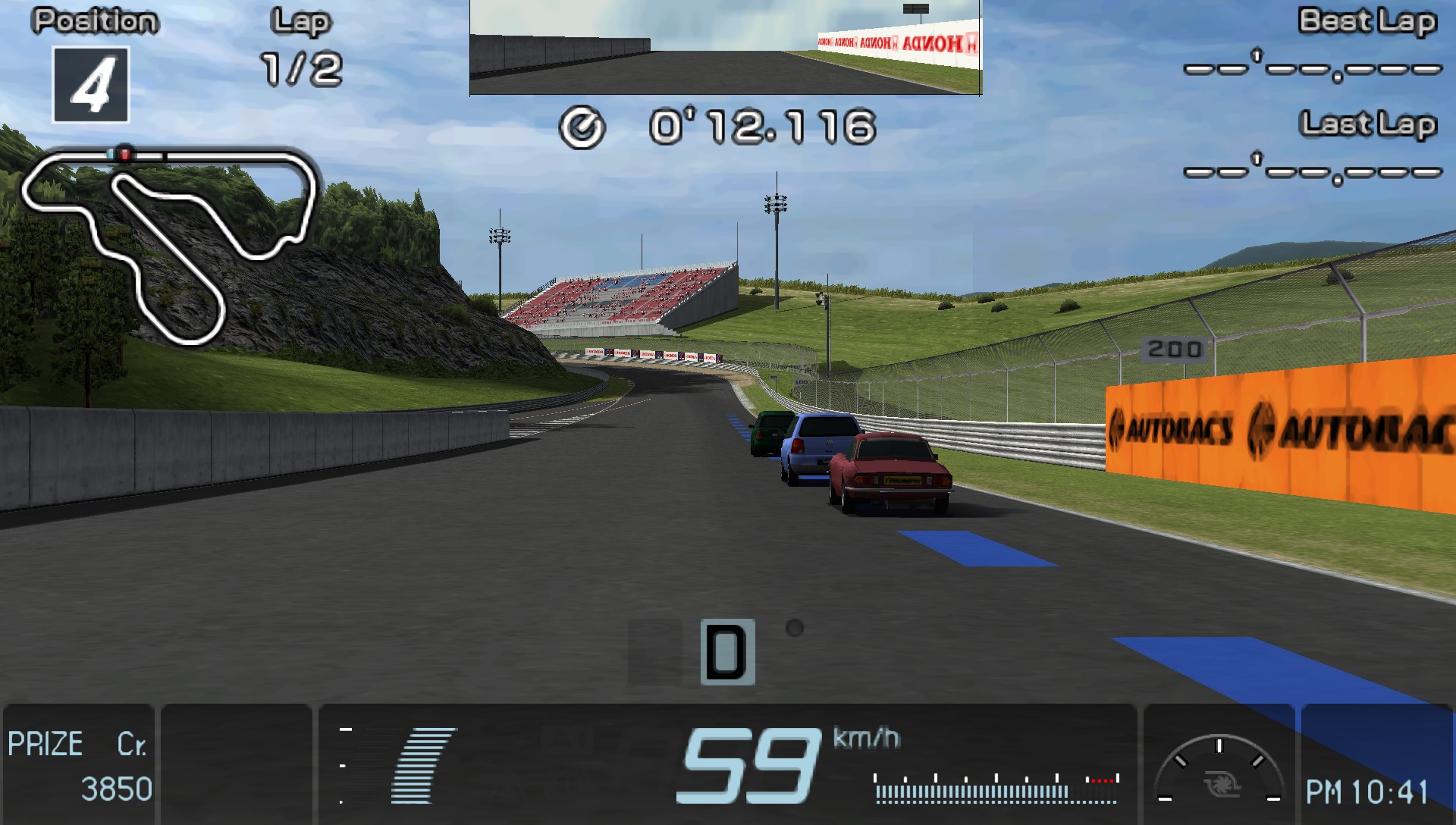
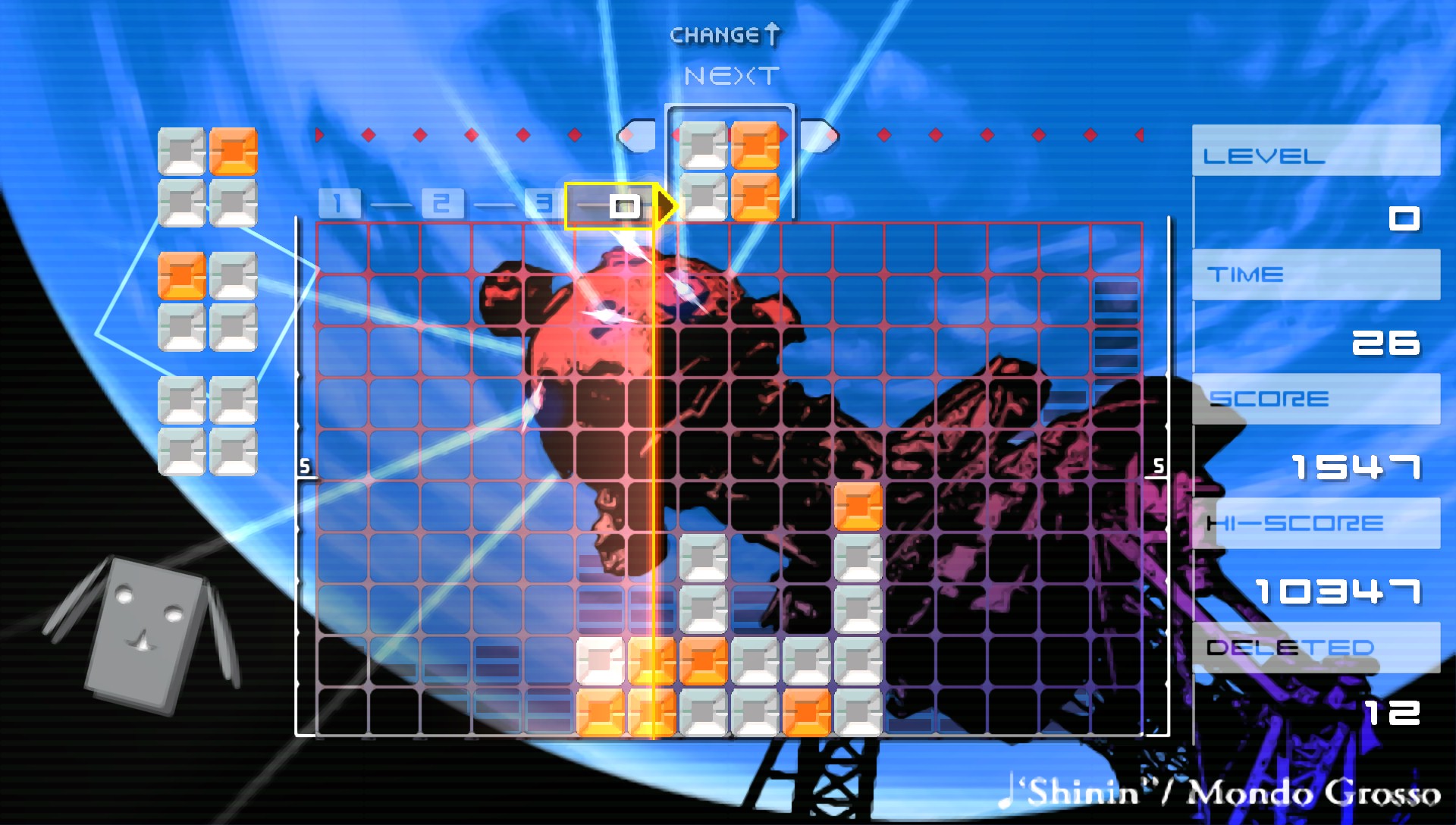
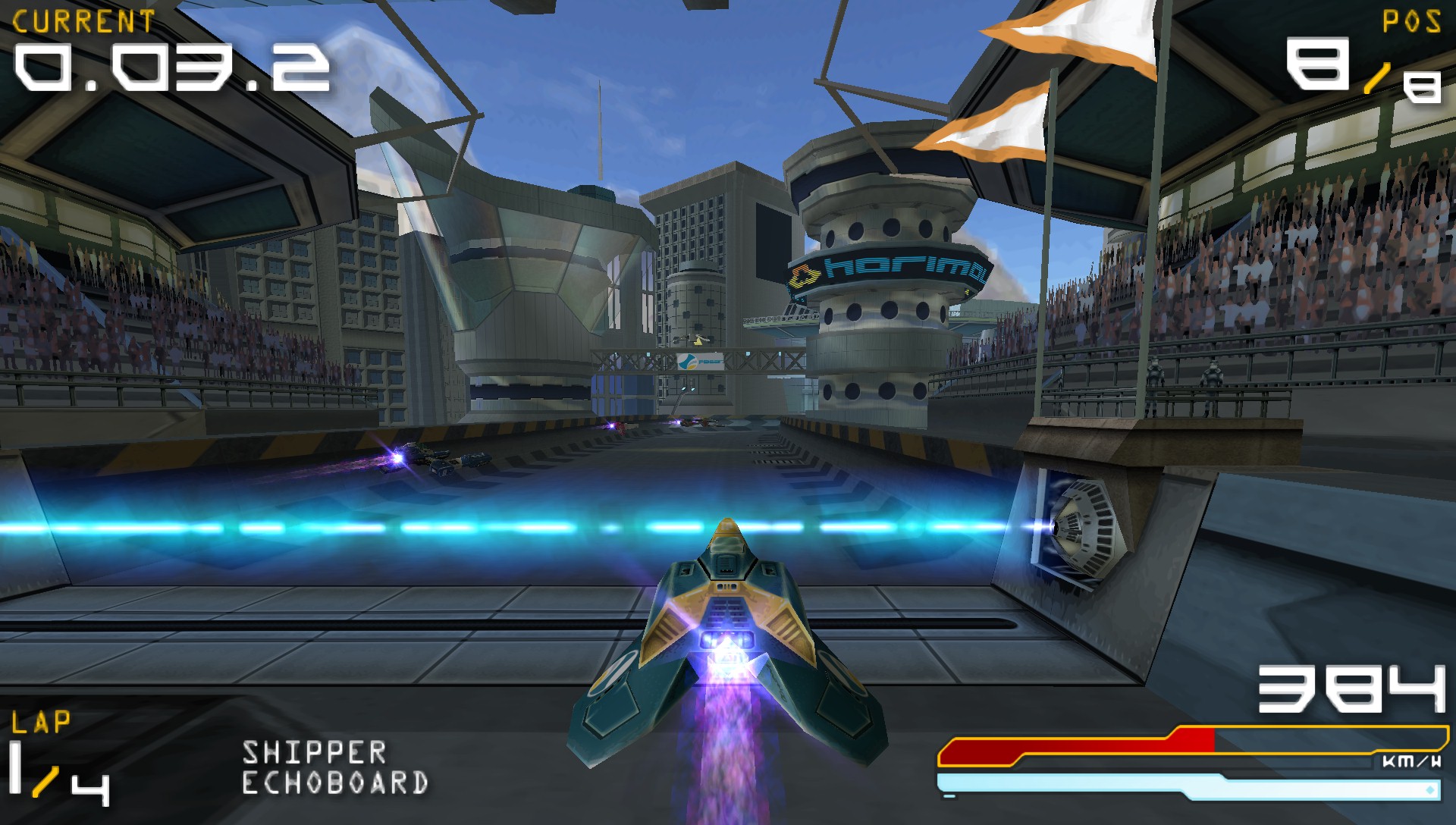
Gameplay screenshots from ppsspp.org/media. PPSSPP does not ship games; you add disc images you own.
Download
Pick your platform below. Direct links to stable 1.20.4 builds on ppsspp.org. We do not host game files.
 Windows
Installer & portable
Windows
Installer & portable
 Android
APK install
Android
APK install
 iOS
iPhone & iPad
iOS
iPhone & iPad
 Linux
Flatpak · AppImage
Linux
Flatpak · AppImage
 macOS
Download page
macOS
Download page
 VR
Quest, Pico, and other Android VR headsets
VR
Quest, Pico, and other Android VR headsets




Common problems
Paraphrased from recurring community threads. Not guaranteed fixes, but the first changes that usually help. Full table on the troubleshooting page.
Black screen
Load the ISO as a file. Do not unzip it. Restore graphics defaults. Switch backend before touching resolution. On Android TV, OpenGL sometimes works when Vulkan shows a blank screen.
See fix steps →Android
Scoped storage broke the old path. Open the Games tab, browse to your ISO folder again, and confirm the memstick folder in Settings → System. Re-granting the folder once can cut save-load freezes from ~10s to ~1s.
Android storage guide →Performance
Drop rendering resolution to 1×–2× PSP. Turn off texture scaling and post-process shaders. Leave Multithreaded (experimental) off unless you are testing. It often hurts more than it helps.
Low-end preset →Saves
States bind to the PPSSPP version that wrote them. Keep in-game saves as the source of truth. If creating a state crashes, try turning Fast Memory off for that title only.
Save state FAQ →Audio
Raise audio latency one step in settings. Disable audio stretching if voices sound warped. Rhythm games often need I/O on thread enabled when storage sleeps mid-song.
Audio fixes →Controls
Floating chat heads, screen recorders, and accessibility overlays steal analog input on Android. Disable them, then remap under Settings → Controls.
Control mapping →FAQ
No. PPSSPP reimplements PSP hardware. You only need ISO, CSO, or CHD files of games you own. It will not boot Sony’s XMB or PlayStation Store.
Gold funds development. The free build already includes HD rendering, save states, multiplayer, and VR. See the Gold comparison.
ISO has the fewest surprises. CSO shrinks file size but heavy compression can hitch in action games. Community advice is to recompress milder or switch back to ISO if a title stutters randomly.
FMVs were compressed for a 480×272 panel. Raising 3D resolution does not upscale those video files. That is a source limit, not a broken setting.
Not recommended. Cloud folders lock files while syncing and corrupt memstick saves mid-write. Keep SAVEDATA on local storage.
Use it
Trust
PSP is a trademark of Sony Interactive Entertainment. PPSSPP is an independent emulator project.
PPSSPP is licensed under GPL 2.0 or later. Source code is open for inspection and community builds.
If a page offers “free PSP ISOs,” leave. Those dumps are not from this site.
Optional support
Buying Gold funds development. The free build already includes HD rendering, states, multiplayer, and VR. See the comparison.
Next step
Stable release shipped 16 May 2026 with ad-hoc relay status and rendering fixes. Back up saves before trying development builds.