
Graphics · Audio · System

Start at defaults, then pick a tier.

These presets are starting points from our guides and community tips, and recurring r/PPSSPP advice. They are not lab measurements. If a game still fails, restore defaults before stacking more hacks.

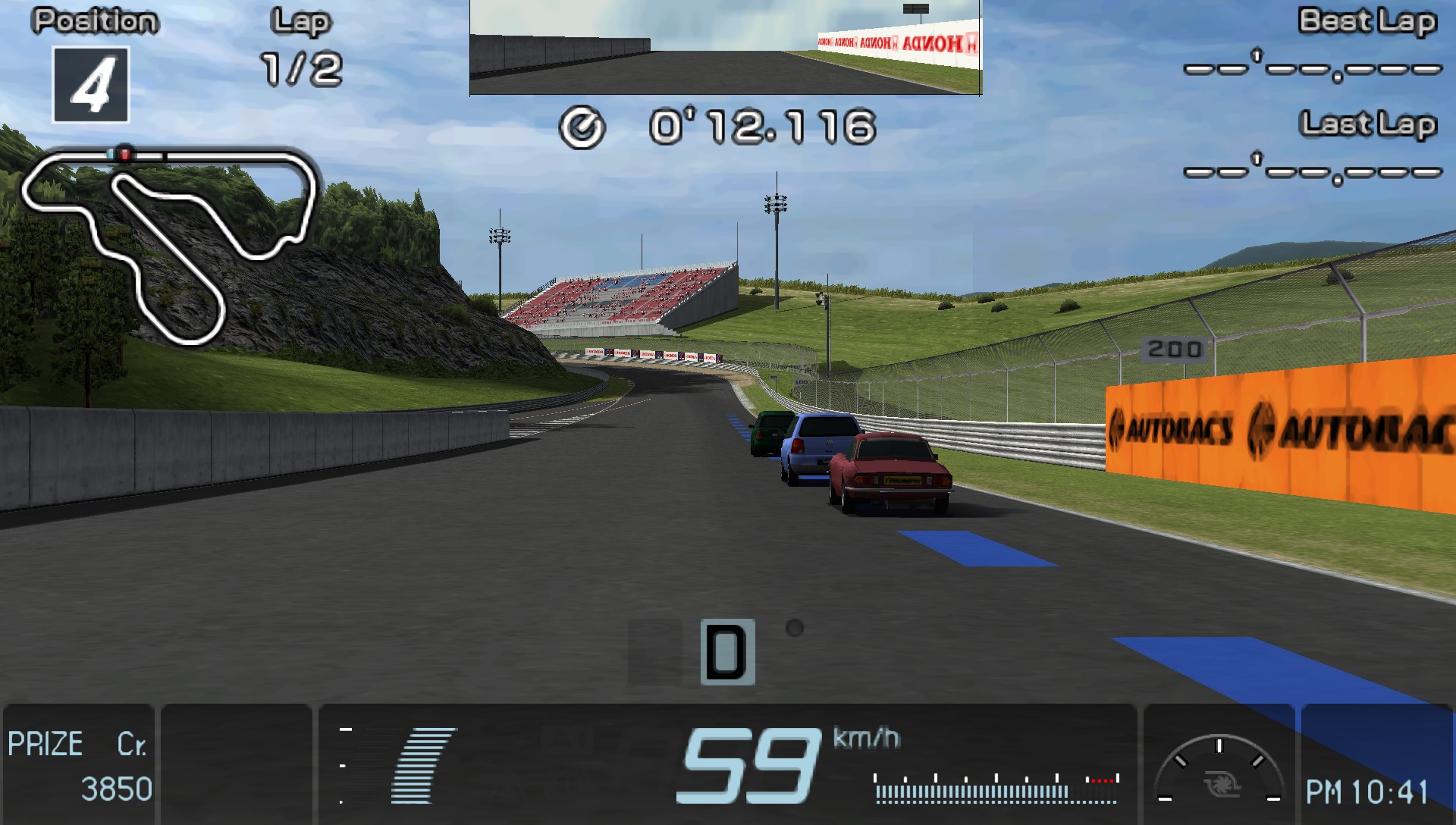
Gran Turismo in PPSSPP showing upscaled car models and track detail

Low-end · about 2 GB RAM

Keep it at native speed

  • Backend: OpenGL on old Android, Vulkan if it stays stable
  • Rendering resolution: 1× PSP
  • Frameskip: 1, Auto on
  • Texture scaling and post-process: off
  • Fast Memory on · Skip buffer effects only as a last resort

High-end phones and desktop GPUs

Push resolution, not hacks

  • Backend: Vulkan · MSAA 4×–8× if the GPU keeps 60
  • Rendering resolution: 4× or 8×
  • Anisotropic filtering 4×–8×
  • GPU texture upscalers (including NNEDI3 / Spline36 in 1.20.4) only if frames stay smooth
  • All speedhacks off

The three knobs that matter

SettingWhat it changesPractical rule
BackendVulkan, OpenGL, or Direct3D 11Vulkan first. Fall back on black screens.
Rendering resolutionMultiplies 480×2722× is the usual phone upgrade. Each step costs GPU time.
Simulate block transferPSP VRAM copiesLeave on. Fixes missing shadows and effects in many titles.
Texture scalingUpscales in-game texturesExpensive on budget chips. Prefer anisotropic filtering first.
Skip buffer effectsDrops some render passesBreaks visuals. Last resort only.

Audio

Crackling usually means the buffer is too small. Raise Audio latency one step at a time. Turn off Audio stretching if music warps. On Windows, if the app dies before the menu, try WASAPI versus DirectSound in ppsspp.ini.

System toggles people overuse

I/O on thread helps when storage sleeps mid-session. Multithreaded (experimental) often slows games; leave it off unless you are testing. Fast Memory should stay on for single-player. If you must disable it, that title is worth reporting on the community page. Per-game overrides exist: PPSSPP stores them separately, so a broken title may not match your global defaults.

Rhythm and fighters

For less input lag: Vulkan, graphics command buffer at 1 or No buffer, VSync off, then test Force Real Clock Sync under System.

Gran Turismo shake

The game uses a half-pixel jitter. In-game: Options → Display Settings → Video Output → enable External Video Output. This is a game menu, not a PPSSPP setting.

Android TV

Menu flashes then black

Threads often recommend OpenGL when Vulkan never draws on TV boxes. Set backend first, reboot the app, then tune resolution.

Overrides

One broken game, others fine

Game Settings → Restore game-specific settings. A per-title hack from an old thread can linger for months after you forgot enabling it.